
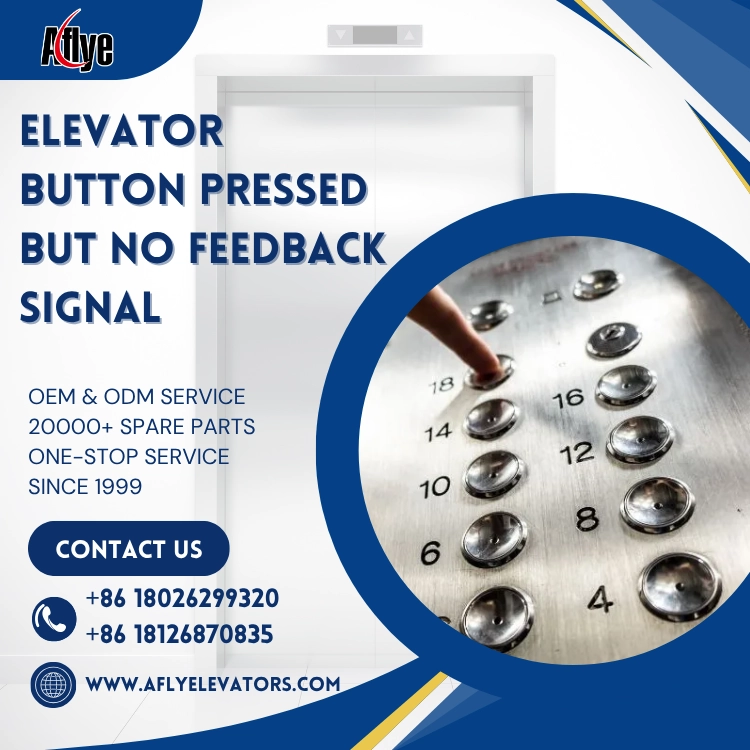
Why Does an Elevator Button Have No Feedback Signal After Being Pressed?
In an elevator operation system, the elevator button is an important input device that allows passengers to interact with the elevator control system. When a passenger presses a floor button, the button generates a control signal, which is transmitted through the wiring to the elevator control board. The control system then processes the received signal and performs floor selection, registration, and operation commands.
If an elevator button does not respond after being pressed, the problem may not only be caused by the button itself. It may also involve signal transmission, power supply, or the control system. Therefore, during elevator maintenance, technicians should troubleshoot the system according to the complete signal transmission path.
1. Damage to the Internal Contacts of the Elevator Button
Elevator buttons are pressed frequently during daily operation. Over time, the internal micro switch or contacts may wear out.
Common failures include:
No triggering feeling when pressing the button;
Mechanical sticking of the button;
Oxidation of internal contacts;
Reduced electrical conductivity.
When the button cannot generate a valid input signal, the elevator control system cannot receive the command even if the button appearance looks normal.
Solution:Check the continuity of the button contacts and confirm whether the output signal is normal. Replace the elevator button assembly if necessary.
2. Elevator Button Signal Wiring Problems
The signal generated by the button needs to be transmitted to the control board through wiring. If there is a problem with the wiring, the button may have no feedback response.
Common causes include:
Loose wiring terminals;
Damaged ribbon cables;
Poor connector contact;
Open circuits or short circuits.
Typical symptoms include:
A single floor button not working;
Multiple buttons failing at the same time;
Intermittent button failures.
Maintenance technicians should use testing tools to check wiring continuity and confirm whether signals can be transmitted correctly.
3. Elevator Control Board Input Failure
If the button and wiring are working normally, the elevator control board should be inspected.
The control board receives button input signals and performs logical processing. When the input module of the control board fails, it may cause:
Button indicator light not turning on;
No floor registration after pressing the button;
Control system unable to recognize floor commands;
Failure of some input points.
Solution:Check the control board input interface, voltage condition, and related program parameters. Repair or replace the control board if required.
4. Power Supply Problems Causing Button Feedback Failure
Some elevator buttons include LED indicators or communication functions, which require stable power supply.
Power issues may cause:
Button light not working;
No feedback after pressing;
Unstable signal output.
The following should be checked:
Button operating voltage;
Power supply module output;
Voltage loss in wiring.
5. Communication-Type Button System Failure
Modern elevators may use serial communication button systems, where buttons communicate with the control system through communication modules.
Failures such as:
Incorrect communication address;
Communication wiring problems;
Module failure;
can also cause elevator buttons to become unresponsive.
These issues require checking control system fault codes and communication status for accurate diagnosis.
6. Elevator Button Maintenance Inspection Recommendations
During routine maintenance, technicians should focus on checking:
Button mechanical condition;
LED indicator function;
Button output signal;
Wiring connections;
Control board input status;
Communication module operation.
For high-traffic locations such as shopping malls, hotels, and hospitals, regular inspection of button wear is recommended to avoid affecting passenger experience.
Elevator Button Purchasing Recommendations
When purchasing elevator buttons, it is important to confirm:
Button size (such as 30mm, 32mm, etc.);
Operating voltage (12V, 24V, etc.);
Backlight color;
Interface type;
Whether Braille is included;
Pressing lifespan;
Compatibility with the elevator control system.
Different elevator models may use different button interfaces and communication methods. It is recommended to provide original button photos, dimensions, or model numbers for accurate matching by a professional supplier.
A-FLY Elevator & Escalator Parts Supply Capability
As a professional elevator and escalator parts supplier, A-FLY has been providing elevator buttons, elevator button panels, elevator control boards, display boards, door operator components, sensors, and complete elevator & escalator spare parts solutions for maintenance companies, engineering contractors, and distributors worldwide.
A-FLY supports OEM/ODM customization, sample confirmation, drawing matching, and fast delivery. According to different elevator models, we provide customized button system and control system solutions to help customers reduce purchasing risks and improve elevator maintenance efficiency.
Conclusion
When an elevator button has no feedback signal after being pressed, the problem is not always caused by the button itself. It may also involve signal wiring, power supply, elevator control boards, or communication systems.
By troubleshooting step by step through the process of “button output → signal transmission → control board receiving”, and choosing a reliable elevator parts supplier, maintenance efficiency can be improved while ensuring safe and stable elevator operation.