
Elevator Button Travel Becoming Longer with Occasional No Response? The Microswitch May Be Faulty
Under normal operating conditions, an elevator button has a relatively consistent mechanical travel distance from the moment the button cap is pressed to the activation of its internal contact. If the elevator button gradually requires a longer press, only responds when fully pressed, or occasionally fails to register, the problem may involve more than button cap wear. The microswitch, return mechanism, and installation position may also be responsible.
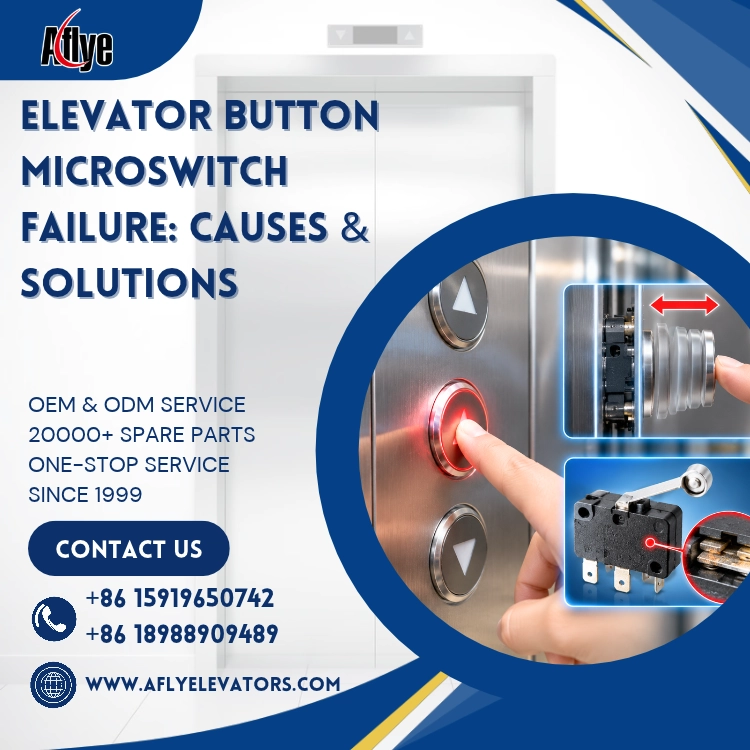
1. Why Does Elevator Button Travel Become Longer?
Common causes include:
Wear of the elevator button microswitch
Looseness in the button cap guiding structure
Fatigue of the return spring
Displacement of internal mounting components
After prolonged, frequent use, the effective activation distance between the button cap and microswitch may change. As mechanical clearance increases, a deeper press may be required to activate the microswitch. As a result, users may feel that the button is becoming increasingly difficult to press fully.
2. Why Does the Button Occasionally Fail to Respond?
A microswitch typically has a clearly defined activation point. When the effective button travel is insufficient, or when the internal contacts experience wear, oxidation, or contact spring fatigue, the button may operate near its activation threshold.
Under these conditions, the same pressing force may register a signal sometimes but fail to produce a stable input at other times.
Common elevator button failures include:
No response after pressing once
Repeated pressing required to register a command
Button indicator lights up, but the floor selection is not registered correctly
Intermittent button signal failure
3. How Should This Problem Be Addressed?
During maintenance, focus on inspecting the button cap's return action, mechanical clearance, microswitch activation position, and wiring terminals. The button signal should also be checked through the control system's input status to confirm whether the input is stable.
If the problem is caused by installation displacement, readjust the mounting position according to equipment requirements.
If the microswitch has abnormal activation travel, unstable contacts, or significant internal mechanical wear, it is recommended to replace the corresponding elevator button component or the complete button assembly rather than simply increasing pressing force.
4. What Should You Confirm When Purchasing Replacement Elevator Buttons?
When purchasing elevator buttons or elevator button microswitches, confirm the following specifications:
Button outer diameter
Panel cutout dimensions
Installation depth
Rated operating voltage
Contact type
Interface and connection method
LED illumination color
Microswitch structure
For older elevator button replacement projects, it is best to provide front and rear photos of the original button, actual dimensions, and wiring information. This helps reduce the risk of mechanical or electrical incompatibility between old and new buttons.
5. A-FLY Elevator Buttons & Parts Supply
A-FLY supplies a wide range of elevator buttons, elevator button microswitches, button caps, button boards, braille buttons, and illuminated buttons. We support OEM/ODM customization of dimensions, interfaces, characters, illumination, and panel designs.
We also provide COP, HOP, display boards, control boards, and other elevator and escalator spare parts for elevator maintenance, modernization projects, and bulk spare parts procurement.
Conclusion
An increase in elevator button travel distance is an important sign that the internal mechanical activation mechanism may have changed. When this is accompanied by occasional failure to respond, the microswitch, button cap, return mechanism, and installation clearance should be carefully inspected. Timely maintenance or replacement is much more effective than repeatedly pressing the button harder.