
Why the Elevator Hall Display (HOP) Is Not Lighting Up
In daily elevator operation, the hall operating panel (HOP display) is a key interface that allows passengers to identify the elevator’s position and travel direction. When the display suddenly goes dark or shows no information, it not only affects user experience but may also indicate underlying electrical or signal-related issues.
As one of the critical components in the elevator control system, HOP display malfunctions are often closely related to power supply issues, communication failures, or component aging.
Based on global maintenance experience, professional elevator & escalator spare parts supplier A-FLY has found that a non-illuminated HOP display is not always caused by screen failure itself—very often, the root cause lies in peripheral components or wiring.
1. Power Supply Abnormalities
One of the most common causes is unstable or interrupted power supply. HOP display panels rely on stable voltage from the main control system. The display may go dark if any of the following occurs:
Abnormal output from the power module
Blown fuse
Loose or oxidized wiring terminals
Aging floor-level power distribution cables
This issue is especially common in older elevators, where poor cable contact is frequent. Replacing reliable elevator power supply components often restores display functionality quickly.
2. Communication Signal Interruption
Most modern elevator displays communicate with the main control board via serial communication or bus systems. If the signal path is interrupted, the display may power on but show no content:
Broken or poorly connected communication cables
Moisture or oxidation at connectors
Communication protocol mismatch
Faulty main control board port
Such cases are often misdiagnosed as display panel failure, while the actual problem lies in signal-related elevator components.
3. Aging of Internal Display Circuits
After long-term operation, electronic aging is inevitable:
Swollen or failed capacitors
Damaged driver ICs
LED backlight degradation
PCB oxidation or corrosion
In high-temperature or high-humidity environments, the service life of HOP displays is significantly reduced. In these cases, replacing the entire elevator display module is often more reliable than repair.
4. No Display Output from the Main Control System
Sometimes the issue is not with the HOP display itself, but with the main control system failing to send display commands:
Control board program errors
Floor data not correctly written
Incorrect parameter settings
System operating in fault-protection mode
This situation is often accompanied by alarms from other elevator components, such as door locks, leveling sensors, or light curtains, causing the system to disable display output.
5. Environmental Factors Causing Short Circuits or Damage
Since HOP displays are installed in elevator halls, they are more exposed to environmental influences:
Water ingress or condensation causing short circuits
Dust accumulation leading to poor electrical contact
Physical impact loosening internal components
Electrostatic discharge or voltage fluctuations damaging circuits
These problems are particularly common in high-traffic locations such as shopping malls, subway stations, and airports. Choosing elevator components with higher protection ratings is essential.
6. Loose Ribbon Cables or Connectors
Many HOP displays are connected to driver modules via ribbon cables. Loose or poorly seated connectors can cause intermittent black screens:
Display turns on and off after vibration
Temporary recovery when pressed during maintenance
Flickering or unstable display
This is a very typical maintenance issue and is usually resolved by replacing high-quality cable and connector components.
7. Backlight System Failure
In some cases, the display is not completely dead—the backlight has failed:
Characters are faintly visible in daylight
Screen appears completely dark at night
Images become visible when viewed from certain angles
This indicates that signal transmission is normal, but the backlight circuit has failed. Replacing the LED backlight or the entire display module is required.
8. Incorrect Model Replacement Causing Incompatibility
During modernization or repair, using an incompatible HOP display may also result in no display:
Mismatched voltage levels
Different communication protocols
Incompatible floor coding methods
This highlights the importance of choosing a professional elevator & escalator spare parts supplier to avoid secondary failures caused by incorrect model selection.
How to Reduce HOP Display Failure Rates
Regularly inspect wiring terminals and power stability
Keep elevator halls dry and clean
Avoid using low-quality substitute elevator components
Upgrade outdated display systems in aging elevators
A-FLY Provides Stable and Reliable Elevator Display Solutions
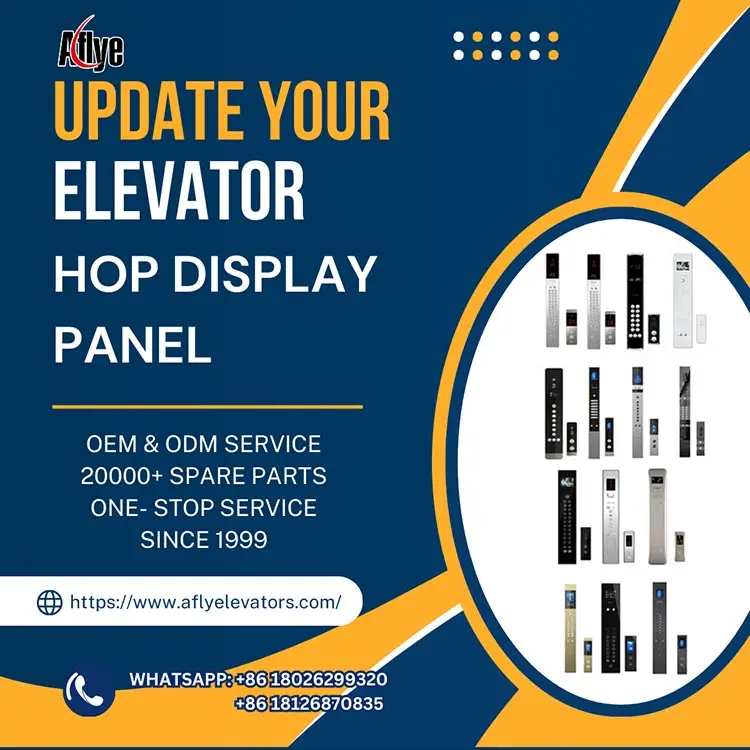
As an experienced elevator & escalator spare parts supplier, A-FLY offers a wide range of elevator HOP display panels, COP display modules, and related elevator components. These products feature stable communication, clear display quality, high-temperature resistance, and strong anti-interference performance, and are widely used in elevator maintenance and modernization projects.
Choosing high-quality elevator components not only enhances appearance and passenger experience, but also significantly reduces fault rates and long-term maintenance costs.
Conclusion
A non-functioning elevator hall display may seem like a minor issue, but it can affect passenger judgment and overall dispatch efficiency. By systematically checking power supply, communication signals, and the display module itself—and by choosing reliable elevator components such as those provided by A-FLY—you can ensure that elevator operation information remains clear, stable, and safe.