
Elevator Button Aging: Failure Symptoms & Replacement Guide
In an elevator system, the elevator button is the component with the highest usage frequency. Whether it is the hall call button or the car operating panel (COP) button, it is pressed hundreds of times every day. Combined with environmental humidity, dust accumulation, oxidation at contact points, and other factors, button aging is almost unavoidable. Aged elevator buttons not only affect user experience but may also cause system malfunctions or even shutdowns.
Today, the technical team from A-FLY Elevator & Escalator Parts Supplier analyzes the common failure symptoms caused by elevator button aging and provides a practical replacement guide.
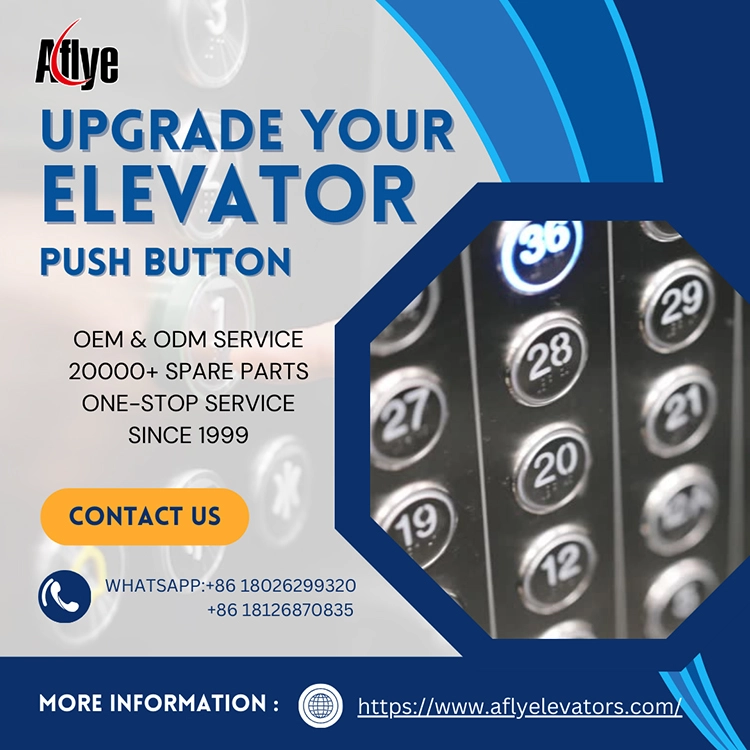
1. Common Failure Symptoms of Aged Elevator Buttons
1. No response or intermittent failure when pressed
Aging causes oxidation of the micro-switch contact points or fatigue of the internal spring, resulting in unstable signal transmission. Symptoms include:
Requiring multiple presses to trigger a response
No lighting when pressed
Elevator not responding to hall call commands
2. Dim or completely dead backlight
The LED backlight is a consumable component and often experiences:
Weakening brightness
Partial flickering
Complete light failure
This affects passengers’ ability to judge whether the button is functioning, especially in dim environments.
3. Key sticking or abnormal return movement
Mechanical wear due to long-term use leads to:
Hard-to-press buttons
Sluggish return
Keys getting stuck
This is often caused by worn guide components, fatigued springs, or dust accumulation.
4. False triggering or random floor calls
Aged or sticky contacts may remain partially engaged, causing:
Buttons activating without being pressed
Random floor calls
System misreads and operational confusion
This directly affects the elevator’s control logic and may be mistaken as a safety issue.
5. Water intrusion or moisture leading to short circuits
Older buildings often have issues with humidity and temperature changes. Once moisture enters the button structure, it may cause:
Short circuits
False alarms from the main board
Multiple buttons lighting continuously
This is a common consequence of long-term button aging.
2. When Should Elevator Buttons Be Replaced?
Repairing aged buttons is usually not recommended—replacement is safer and more reliable. Replacement is necessary when:
Buttons have been in use for over 3–5 years
Frequent unresponsive pressing
LED backlight no longer illuminates
Buttons are loose or physically damaged
Similar failures occur across multiple floors
Moisture intrusion causes corrosion
For high-traffic environments (malls, hospitals, subway stations), buttons should be replaced every 2–3 years.
3. Information Needed Before Ordering Replacement Elevator Buttons
To avoid mismatches in dimensions, connectors, or voltage, always provide the following details when purchasing:
Button model and brand
Voltage: DC12V / DC24V
Connector type (3-pin, 4-pin, flat cable, etc.)
Mounting hole size
Button shape (round / square / flat / convex)
LED color and icon requirement
Whether Braille is needed; whether custom icons or logos are required
A-FLY can assist customers in verifying button parameters to ensure a smooth and accurate replacement.
4. A-FLY — Your Reliable Elevator Button Supplier
As a professional A-FLY Elevator & Escalator Parts Supplier, we provide:
Elevator buttons (COP/HOP/LOP)
Touchless elevator buttons
LED button modules
Custom COP/LOP/HOP button panels
Replacement buttons for multiple elevator brands
Whether for maintenance, modernization, or new installation, A-FLY offers fast, stable, and highly compatible button solutions.
5. Summary
Aging elevator buttons not only diminish user experience but may also cause system malfunctions. By recognizing aging symptoms early and replacing buttons with high-quality components, you can significantly enhance elevator safety and operational stability.
Choose A-FLY — ensuring every press is precise, safe, and reliable.